AI photo prompts, ready to copy
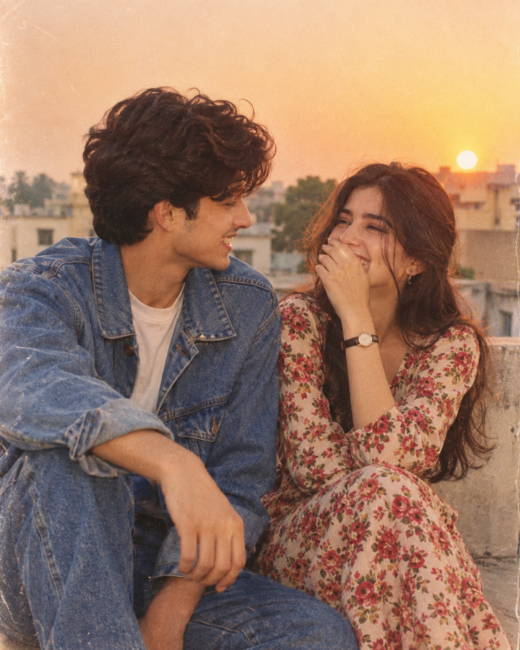
How to use a prompt
- Pick a look. Filter by AI tool or category, or search for a style, outfit or place.
- Copy the prompt. Tap Copy on a card, or open the prompt to read the full text and tips first.
- Paste it in your AI tool. If the prompt needs your own photo, upload a clear, front-facing picture with good light.
- Adjust and save. Change colours, clothing or background in the text, and tap the heart to keep prompts you like.
Questions people ask
Are these prompts free?
Yes. Every prompt can be copied for free. You only need access to the AI tool you want to use.
Why does my result look different from the example?
AI tools vary between runs and versions, and your uploaded photo changes the face, pose and lighting. Run the prompt two or three times and keep the best result.
Can I change the text of a prompt?
Yes. Replace the outfit, colours, location or mood with your own words and keep the rest of the structure.
Can I use the images commercially?
Images you create belong under the terms of the AI tool you use. Check that tool’s rules before using results in paid work, and never present AI images of real people as genuine photos.